Bring your videos to life
The best video and audio models, all inside ElevenLabs
 Video
Video LipSync
 Upscale
 ElevenMusic
 AI Sound Effects
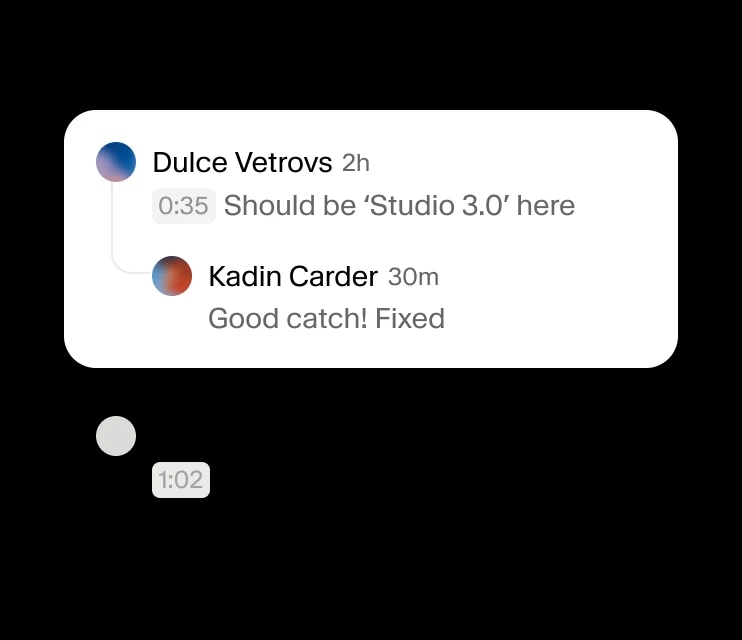
 Captions
 Voice Changer
Seedance 2.0
The video features a male speaker, likely a host or presenter, delivering a speech or monologue. The overall mood is professional and engaging, set against the backdrop of a city skyline at what appears to be dusk or dawn. The setting is an outdoor rooftop with some greenery, implying an urban environment. The activity level is static, focusing on the speaker's delivery. The visual style is realistic and well-lit, with a clear focus on the subject. The emotional tone is confident and communicative. The speaker is a middle-aged man with short brown hair, wearing a dark suit jacket and a white collared shirt. The artistic style is photorealistic. The color characteristics are warm tones, with the sky displaying an orange and yellow gradient, contrasting with the cool grays of the city buildings. The color palette includes orange, yellow, black, white, and various shades of green and gray.
Seedance 2.0
The video features a male speaker, likely a host or presenter, delivering a speech or monologue. The overall mood is professional and engaging, set against the backdrop of a city skyline at what appears to be dusk or dawn. The setting is an outdoor rooftop with some greenery, implying an urban environment. The activity level is static, focusing on the speaker's delivery. The visual style is realistic and well-lit, with a clear focus on the subject. The emotional tone is confident and communicative. The speaker is a middle-aged man with short brown hair, wearing a dark suit jacket and a white collared shirt. The artistic style is photorealistic. The color characteristics are warm tones, with the sky displaying an orange and yellow gradient, contrasting with the cool grays of the city buildings. The color palette includes orange, yellow, black, white, and various shades of green and gray.



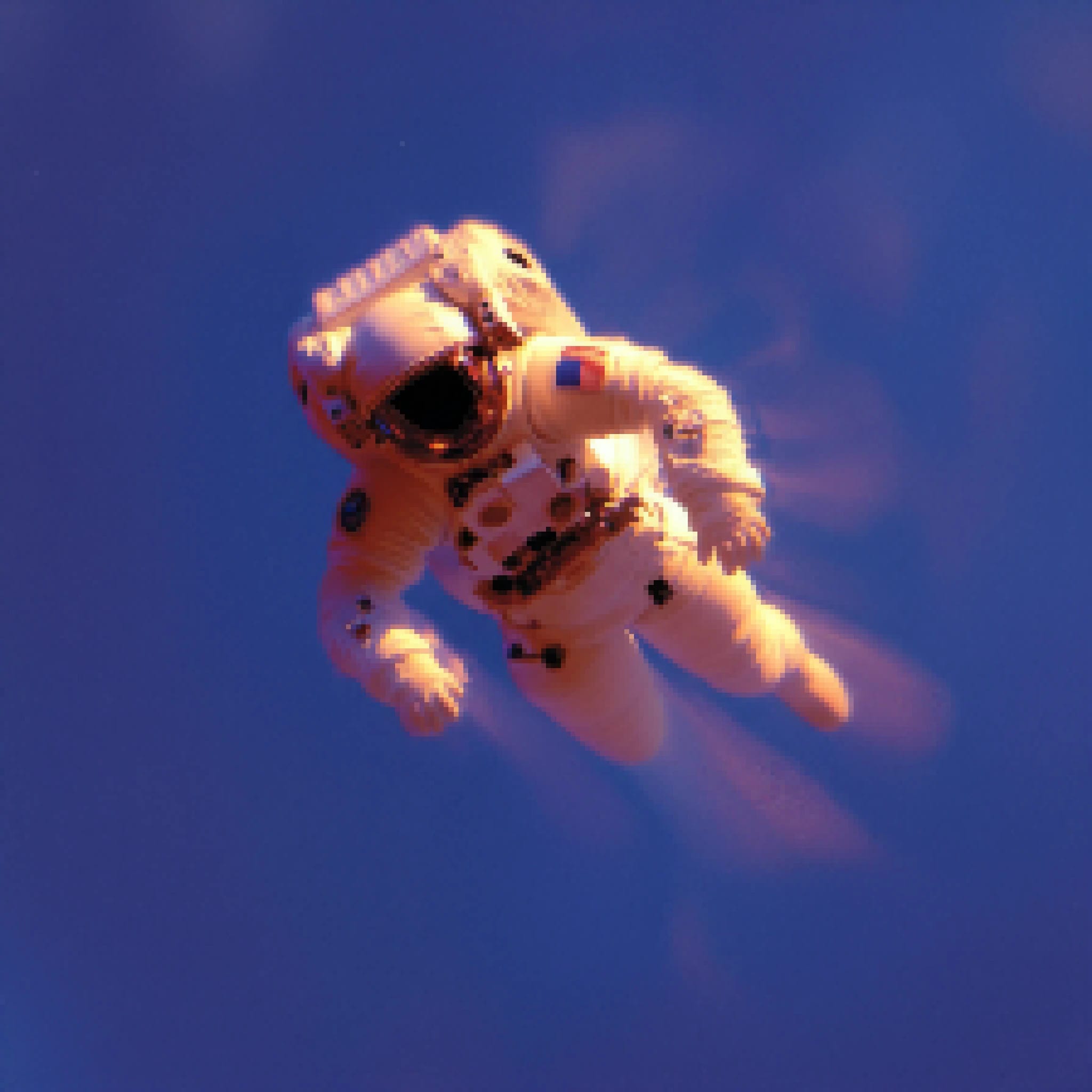
Upscale videos
Boost clarity and resolution with video upscaling, delivering sharper, high-fidelity visuals up to 4K output.
Lip-sync videos
Perfectly align speech and motion using Veed or OmniHuman lip-sync for natural, expressive narration.
Add Music and SFX
Create original tracks with AI music generation and enhance with cinematic sound effects for professional depth.
Voice cloning
Clone your voice to produce lifelike, expressive narration powered by your own unique vocal character.
Multilingual voices
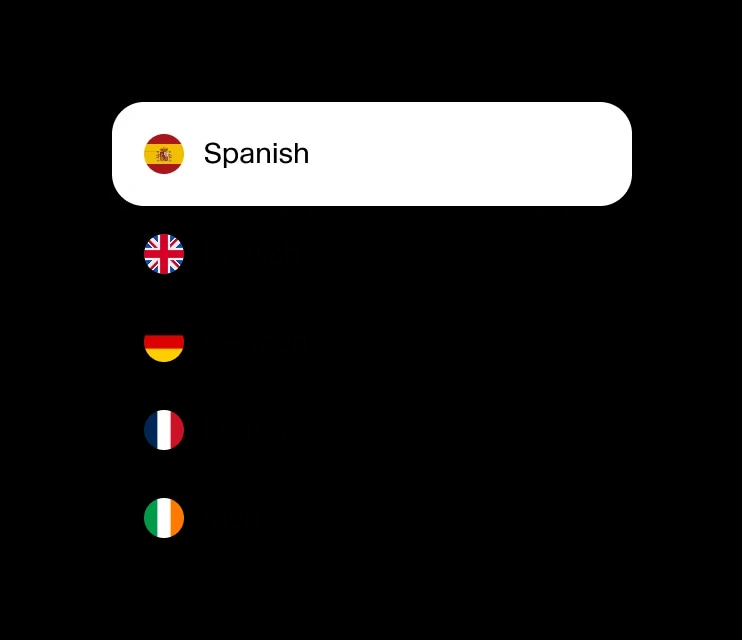
Choose from 5,000+ voices in 32+ languages to add narration that fits any story, style, or audience.
Timeline
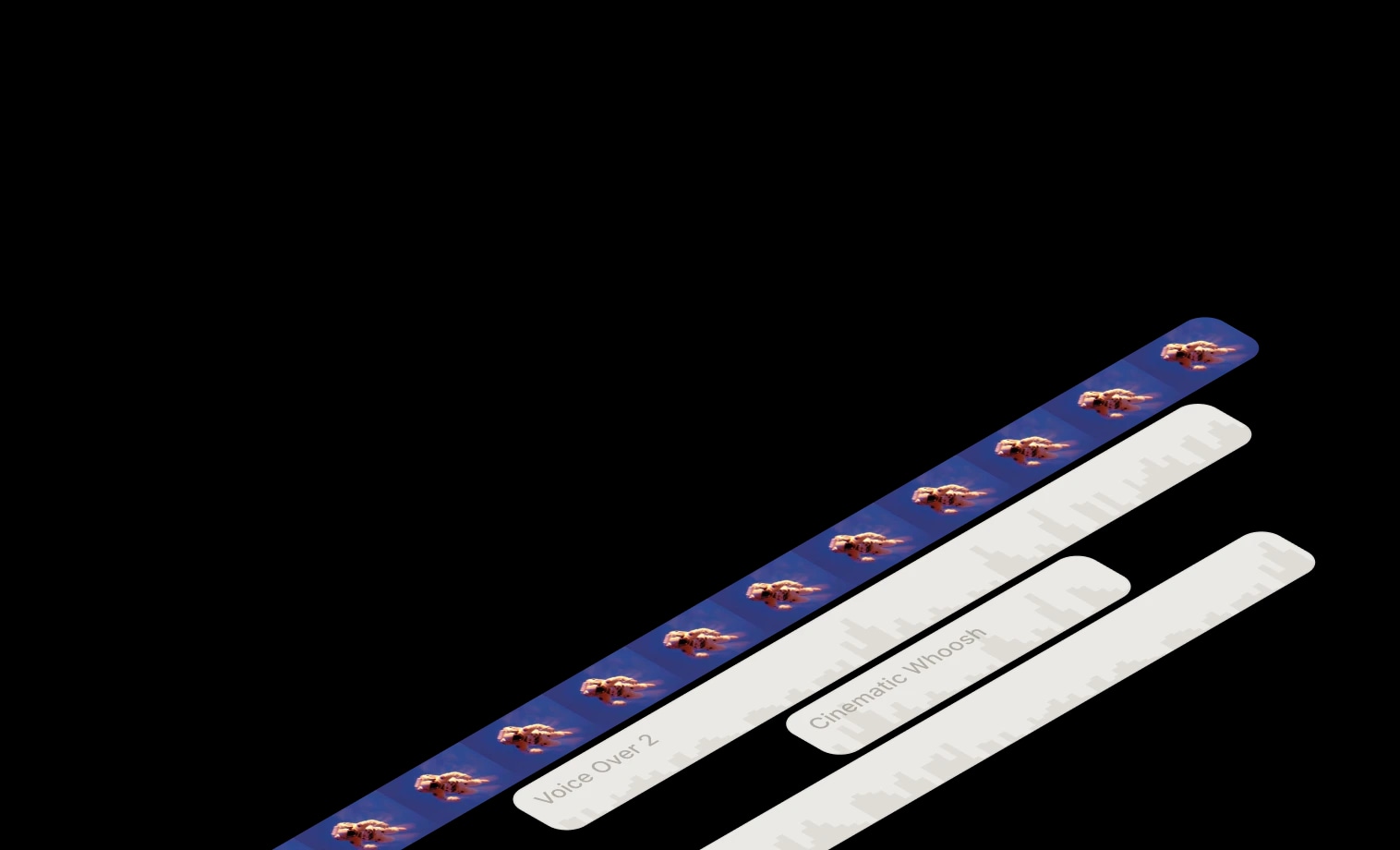
Audio and Video support

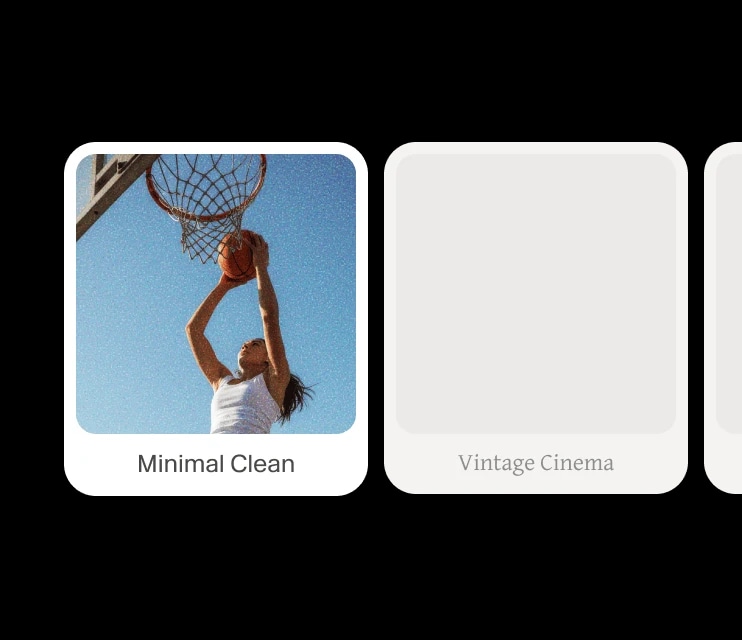
Captions
Public project URLs
32+ Language support
Enterprise-grade security and infrastructure at scale